

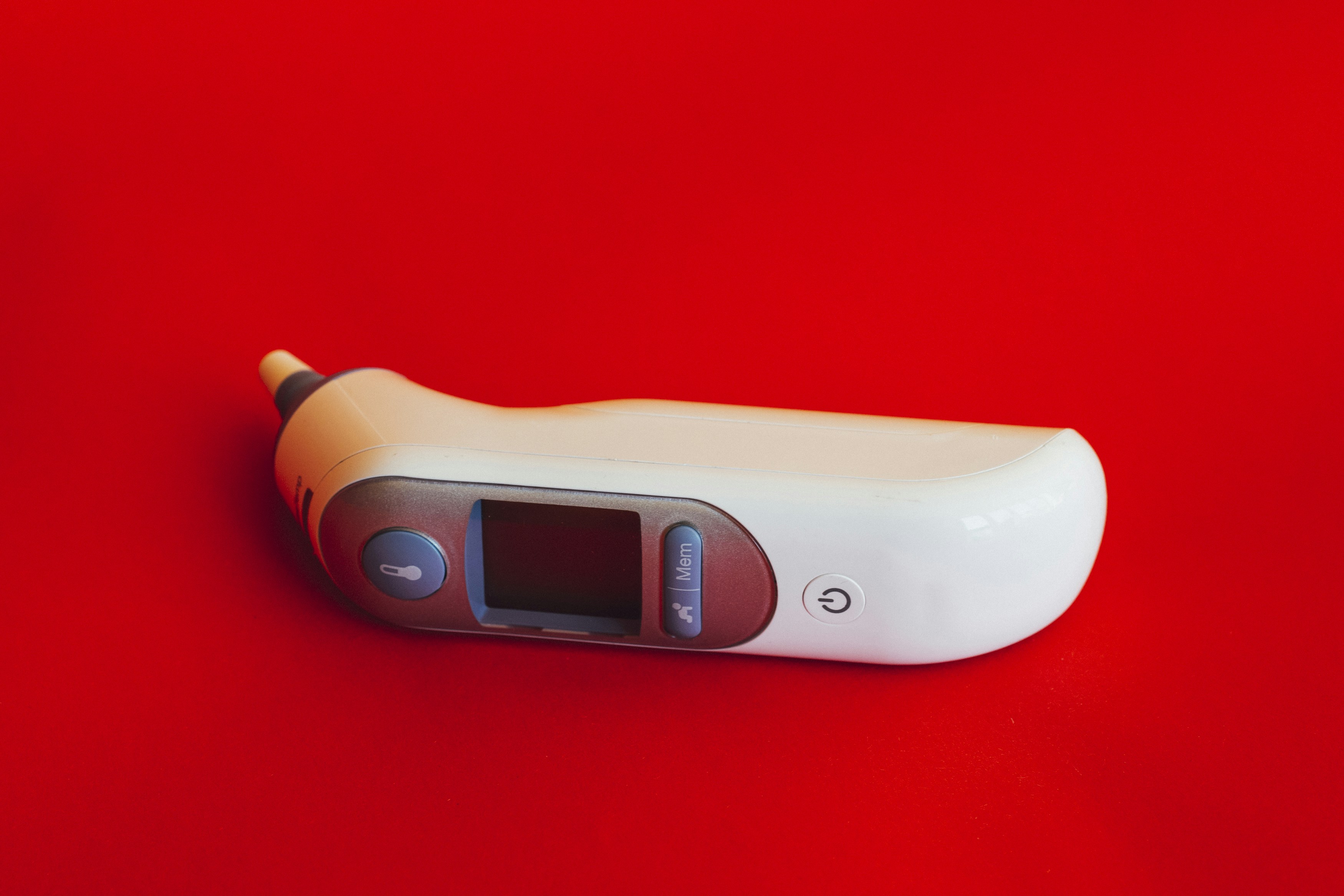
Introduction to Arduino Thermometers
Building a thermometer is an exciting project that showcases the capabilities of an Arduino board. This versatile platform allows hobbyists and professionals alike to create various sensor-based applications, including temperature measurement. Whether you’re learning electronics or diving into IoT, an Arduino thermometer project can enhance your skills.
Components Needed for Your Project
To create a thermometer using an Arduino, you will need a few essential components:
- Arduino board (e.g., Arduino Uno)
- Temperature sensor (like the LM35 or DHT11)
- Breadboard and jumper wires
- Power source (USB cable or battery)
These components work together to measure temperature effectively. The sensor monitors the temperature and sends data to the Arduino, which processes the information and can display it on a screen or output it remotely.
Steps to Build Your Thermometer
Start by wiring the temperature sensor to the Arduino board following the specifications of your particular sensor. Then, deploy the Arduino IDE to write a simple sketch that reads the sensor’s output and converts it into a readable temperature format.
Next, upload the code to your Arduino board and test the functionality by observing the temperature readings. You can expand your project by adding features such as an LCD display or even utilizing a Wi-Fi module for remote temperature monitoring.
In conclusion, an Arduino board provides an excellent foundation for building a thermometer. This project not only serves as a practical tool but also enriches your understanding of electronics and programming.
